Hi, I have two sets of AVR Programmer V2 and both are working with AVR STUDIO 4.18 / WINDOWS 7 system.
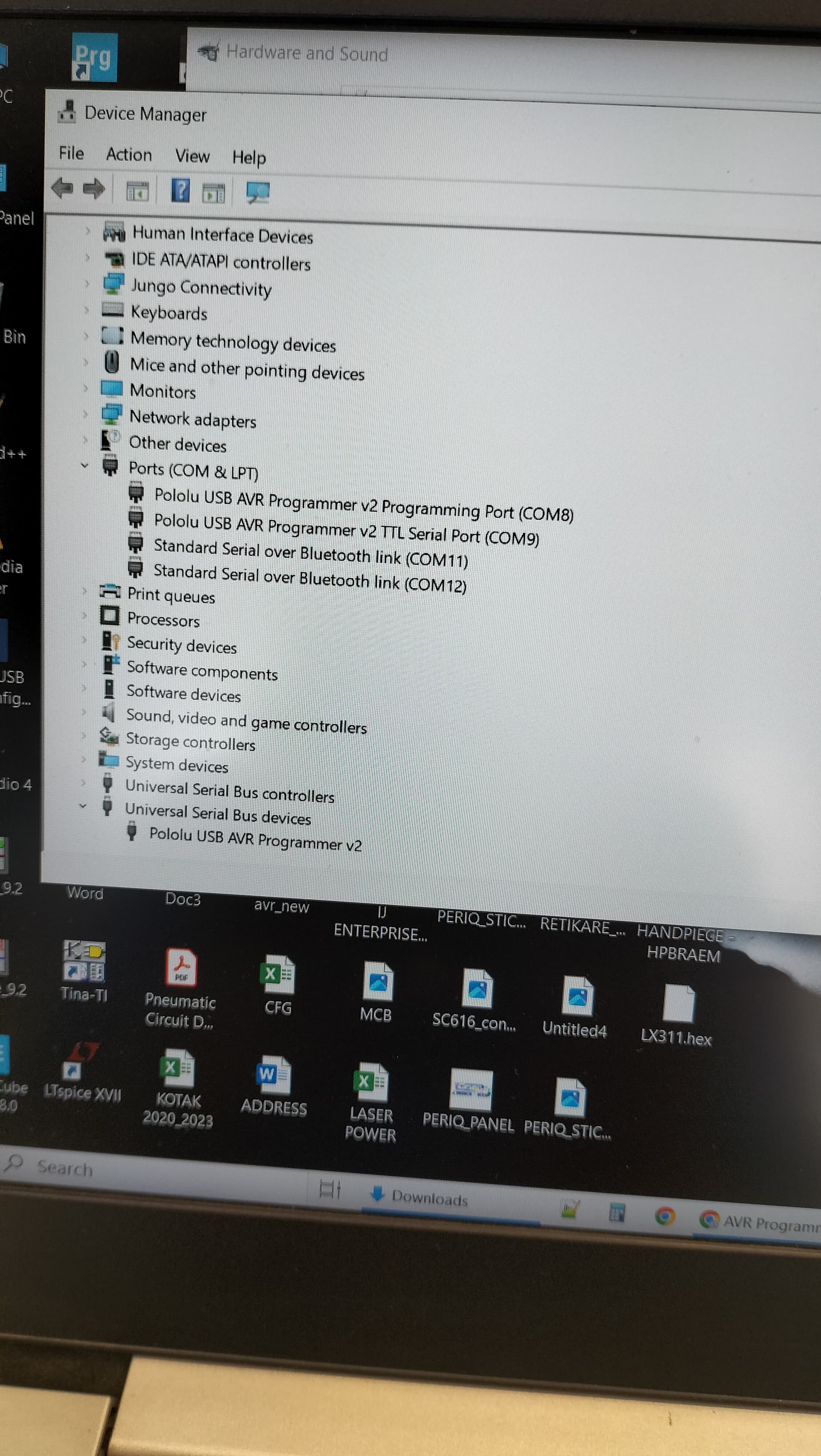
But the same kit is not working with windows10 ( 64bit ) environment. The Device manager shows all three entries perfect and there is no com port conflict ( confirmed ).
The problem seems to be very peculiar like , I am able to connect to my custom made PCB and even I am able to download the code . But the PCB ( program ) does not start . The program downloaded with read verification and it is ok.
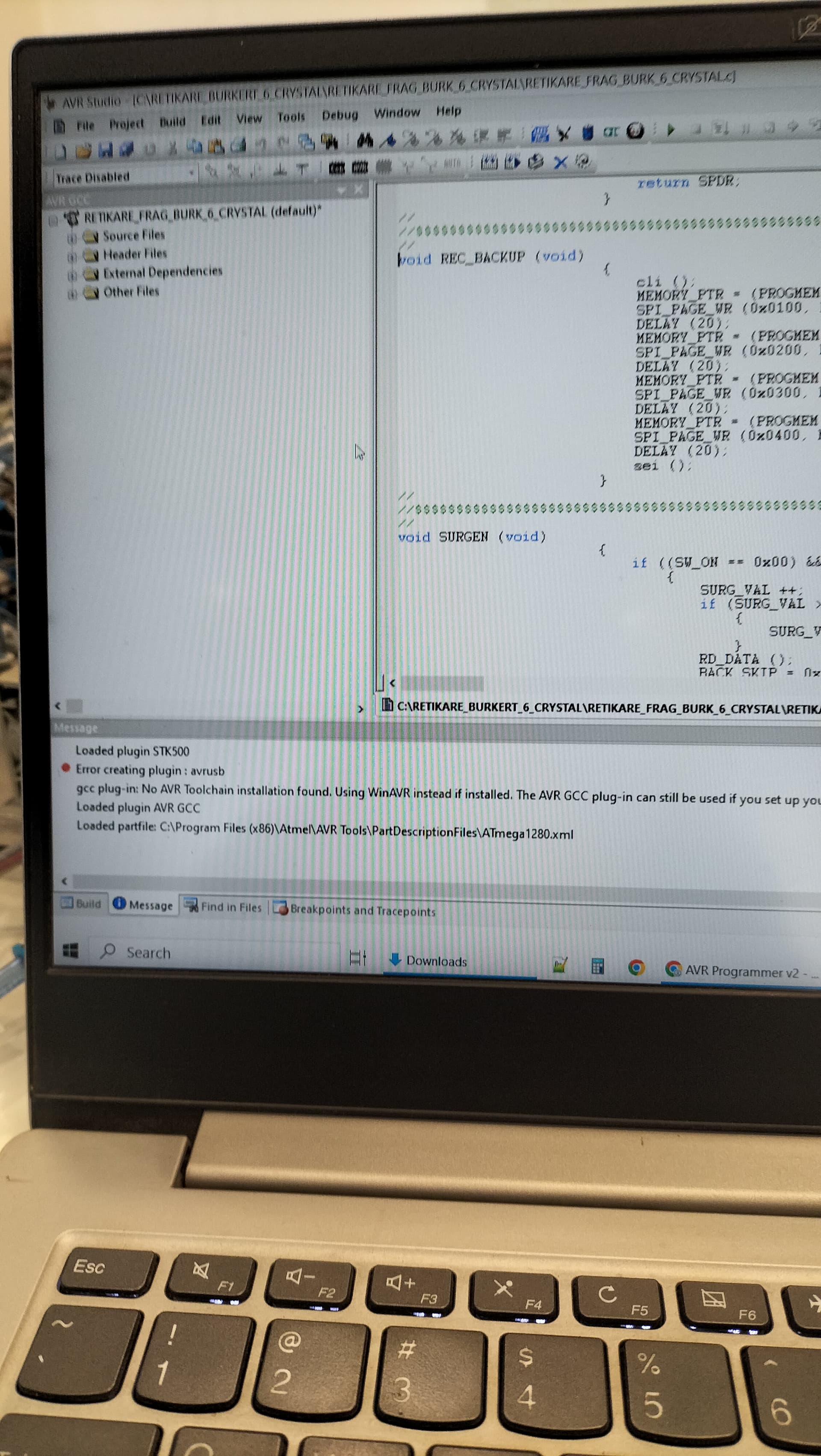
When I start the AVRSTUDIO , i get the following message "Loaded plugin STK500
Error creating plugin : avrusb "
What could be the issue?
Hello.
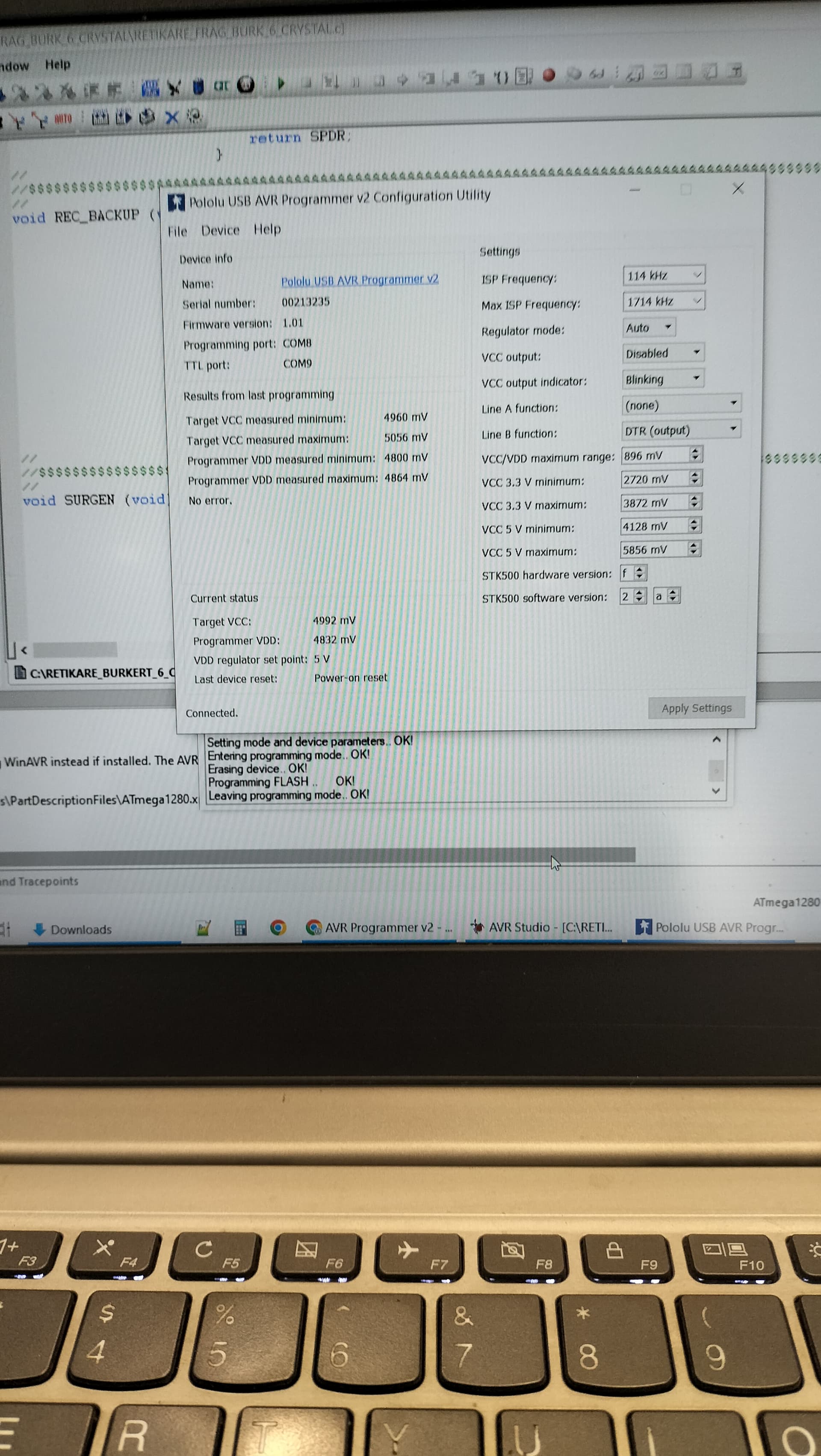
If you have not already done so, can you try following the troubleshooting suggestions from the “Installing Windows drivers and software” section of the AVR programmer v2 user’s guide? Can you also post a screenshot of the configuration utility after a programming attempt?
- Patrick
Hi, Thanks for reply and attached are the files for your reference.
The downloading is verified with read status and there are no issues.
Target Board : Custom made / AVR 1280 / AVR STUDIO 4.18. These boards are being used by us for the last 10 or more years and we used to program the board with WINDOWS7 / AVRSTUDIO 4.18 / AVRISP MKII.
Is there any special driver required for the POLOLU to work in WINDOWS 10 environment. My guess is, if we can address the issue of " Loaded Plugin STK500 / Error creating plugin : avrusb " the problem can be solved.
The drivers are optional for Windows 10, though the same drivers needed for older Windows operating systems are recommended.
Just to clarify the current status, are you still able to upload programs using your Windows 7 computer? And when you try to upload programs with your Windows 10 computer, is there really no evidence of anything going wrong other than the program apparently not running on your board?
AVR Studio 4 is pretty ancient at this point and has not been supported by Microchip for years (and for that matter, Windows 10 is also no longer supported by Microsoft as of a couple months ago), so a good next step would probably be to try newer software. Could you install the latest version of the successor application, Microchip Studio, and try using that to program your device? There are instructions for that in the “AVR programming using Microchip Studio” section of the user’s guide.
- Patrick
Hi,
When I upload the program to my board using WINDOWS10, apparently everything seems to be fine and no error messages and even read verification is successful, but the program does not run after that. Even after removing the programmer and power off / on does not start the program. Very strange.
Once again after reloading the same program using windows 7 system the board works fine.
We are having around 25 different boards developed which are windows 7 and AVRSTUDIO 4.18 dependent. Changing them to newer AVRstudio is tedious job which calls for so many updates and not only that we need to do the same exercise in different region where people are not developers and they are just service engineers just to reload the program in case of board issues.
Anyway thanks for your support, let me keep attempting with different programmers and try my luck on Windows 10.