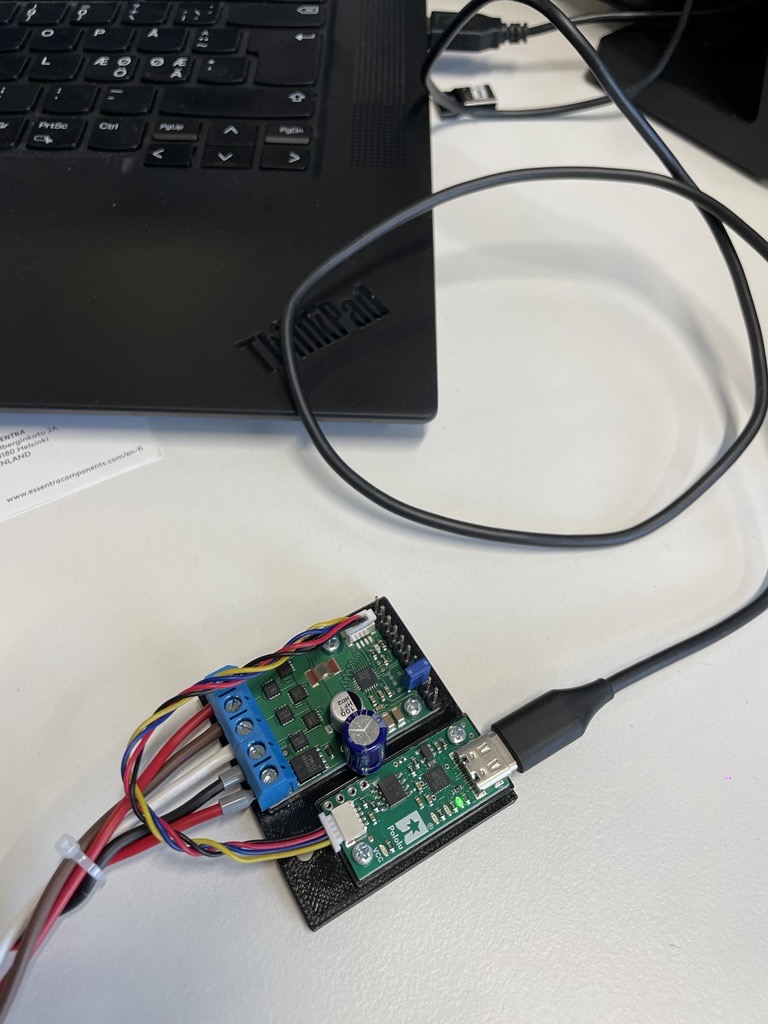
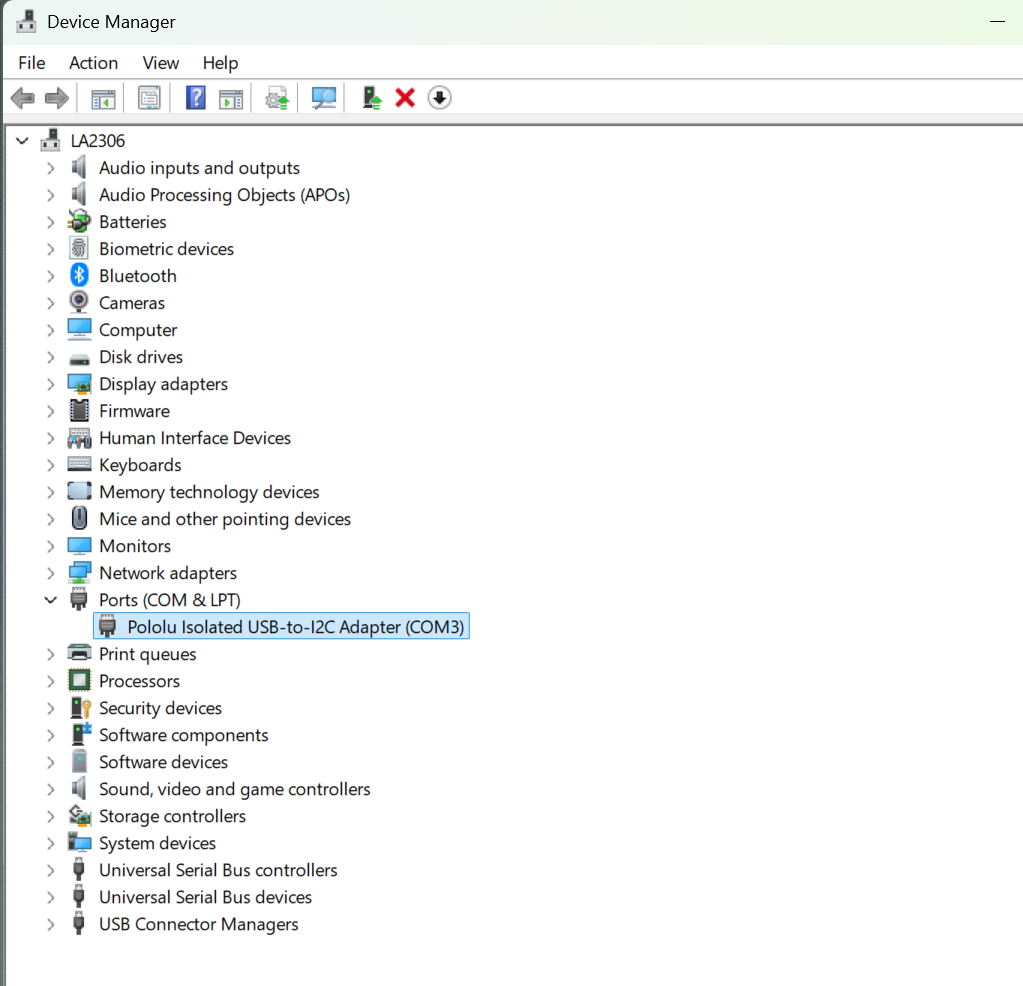
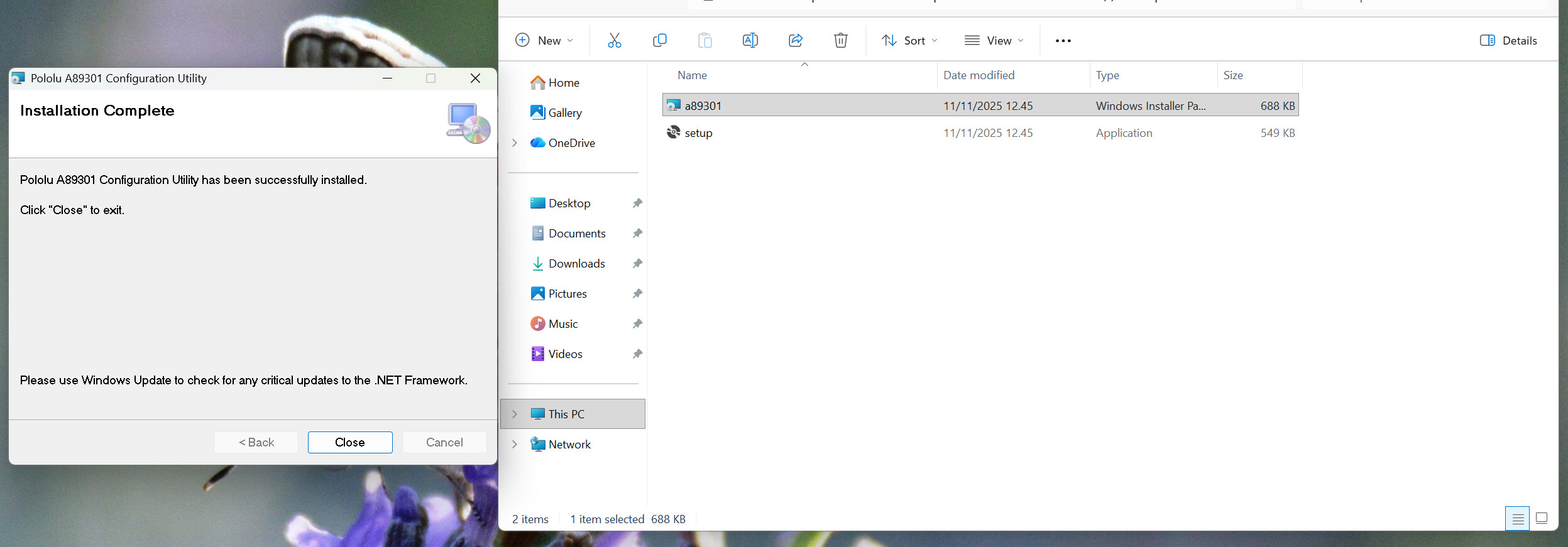
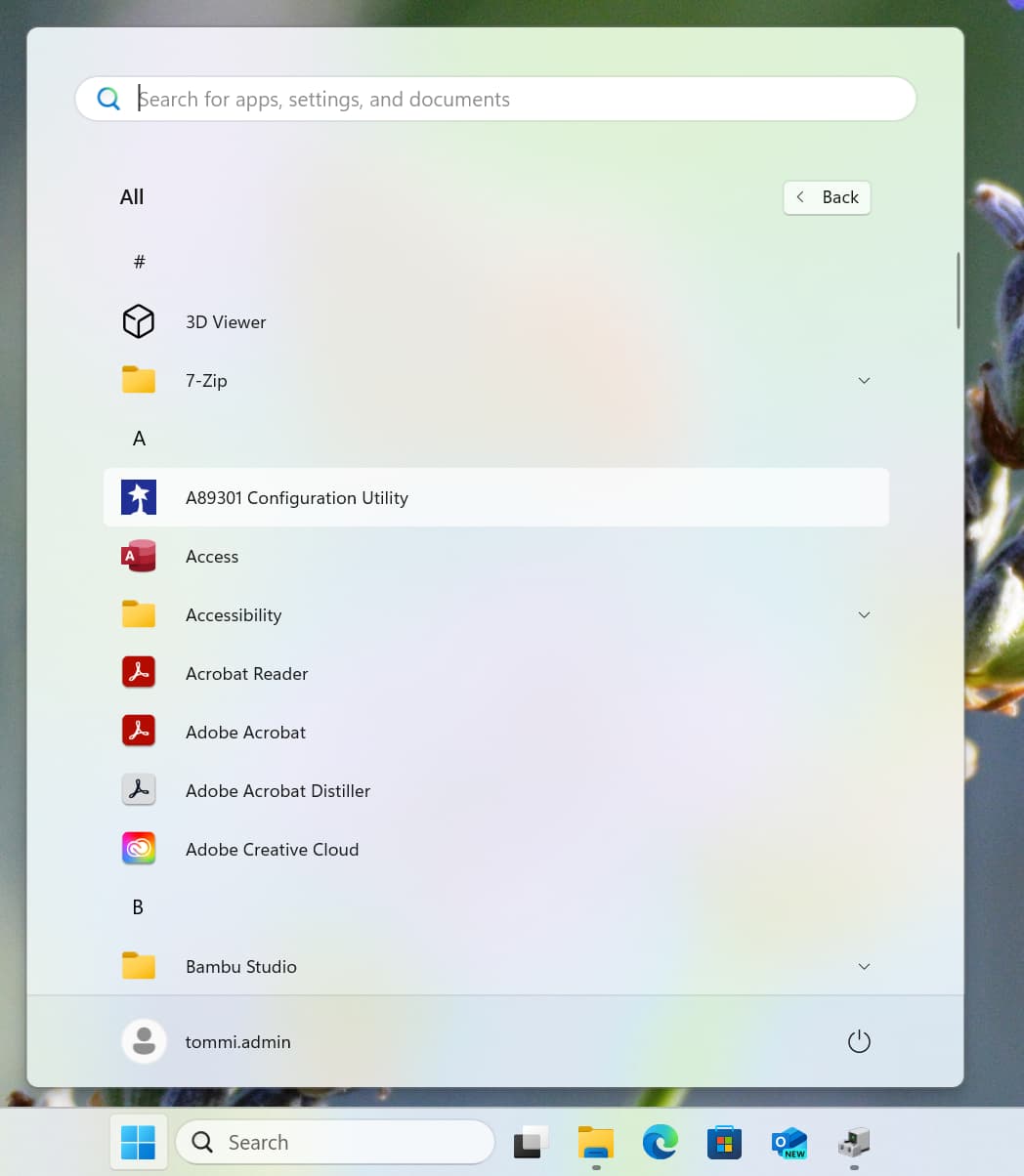
Yes I have restarted, re-installed, plugged device to different USB ports etc. Nothing seems to solve the issue. A89301 configuration utility just won’t start as I click it.
Here are some screen captures from my pc showing what’s in there…
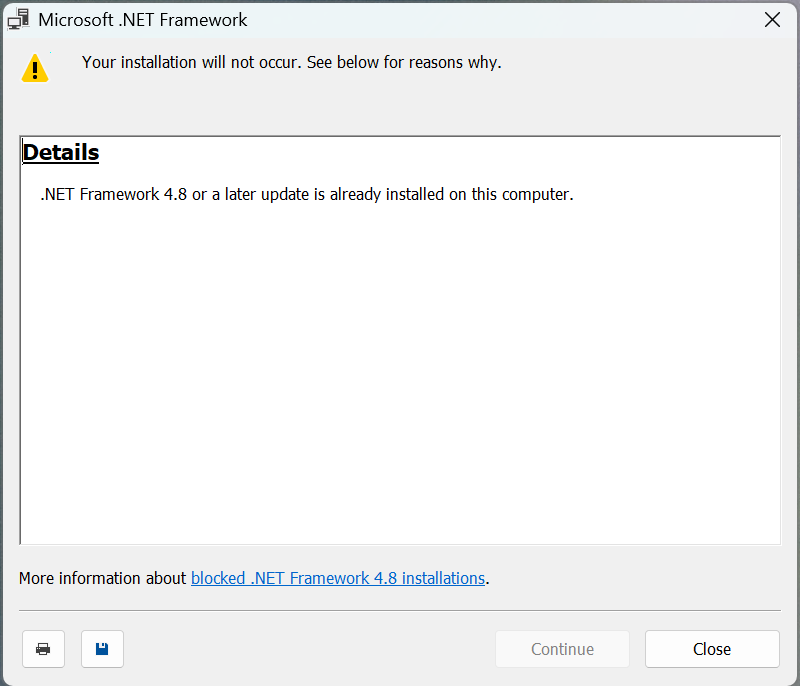
Could you try installing the .NET Framework 4.8 Runtime? If you already have it installed, the installer should refuse to proceed.
If that doesn’t help, could you try running the software from the command line to see if you get any error messages or different behavior? You can do so by opening a command prompt (Win + R then search for cmd) and entering “C:\Program Files (x86)\Pololu\A89301\A89301.exe” (with the quotation marks included).
Thanks! I tried that, there was .NET already installed.
Also tested running in cmd, but it didn’t work either. Nothing happens, no error message or so. Didn’t take a screenshot of that cmd thing but I’m sure I did as you instructed.
We have not been able to reproduce the problem and have not heard back from the original poster. If you would like to troubleshoot further, could you follow the steps in my previous post to check the Event Viewer and post the requested screenshots?