


Hi
I am new to this. I got the Romi Robot kit for First( Romi 32U4) and the right wheel of the robot won’t move. How can i get this fixed?
Hello.
I am sorry to hear you are having problems with your Romi Robot Kit for FIREST. We test every unit, so it was probably working at some point. If you have not done so already, could you try swapping the motors to see if the problem follows the motor or the motor channel on the control board? If the problem stays with the right side of the robot, could you post the full code you are using to test the motors? Also, could you post some pictures of the robot, including some close-up pictures of both motors and a clear view of the control board on top of the robot?
Brandon
Hi, i swapped the motors and the problem is still on the right side. Attached are pictures of the robot.
Below is the code used:
#include <Romi32U4.h>

Romi32U4Motors motors;

void setup() {
  // Setup code runs once
}

void loop() {
  // Move forward at speed 200 (range is -300 to 300)
  motors.setSpeeds(200, 200);
  delay(1000);

  // Stop motors
  motors.setSpeeds(0, 0);
  delay(1000);

  // Move backward at speed 200
  motors.setSpeeds(-200, -200);
  delay(1000);

  // Stop motors
  motors.setSpeeds(0, 0);
  delay(1000);

  // Turn in place (left motor forward, right motor backward)
  motors.setSpeeds(150, -150);
  delay(1000);

  motors.setSpeeds(0, 0);
  delay(2000);
}
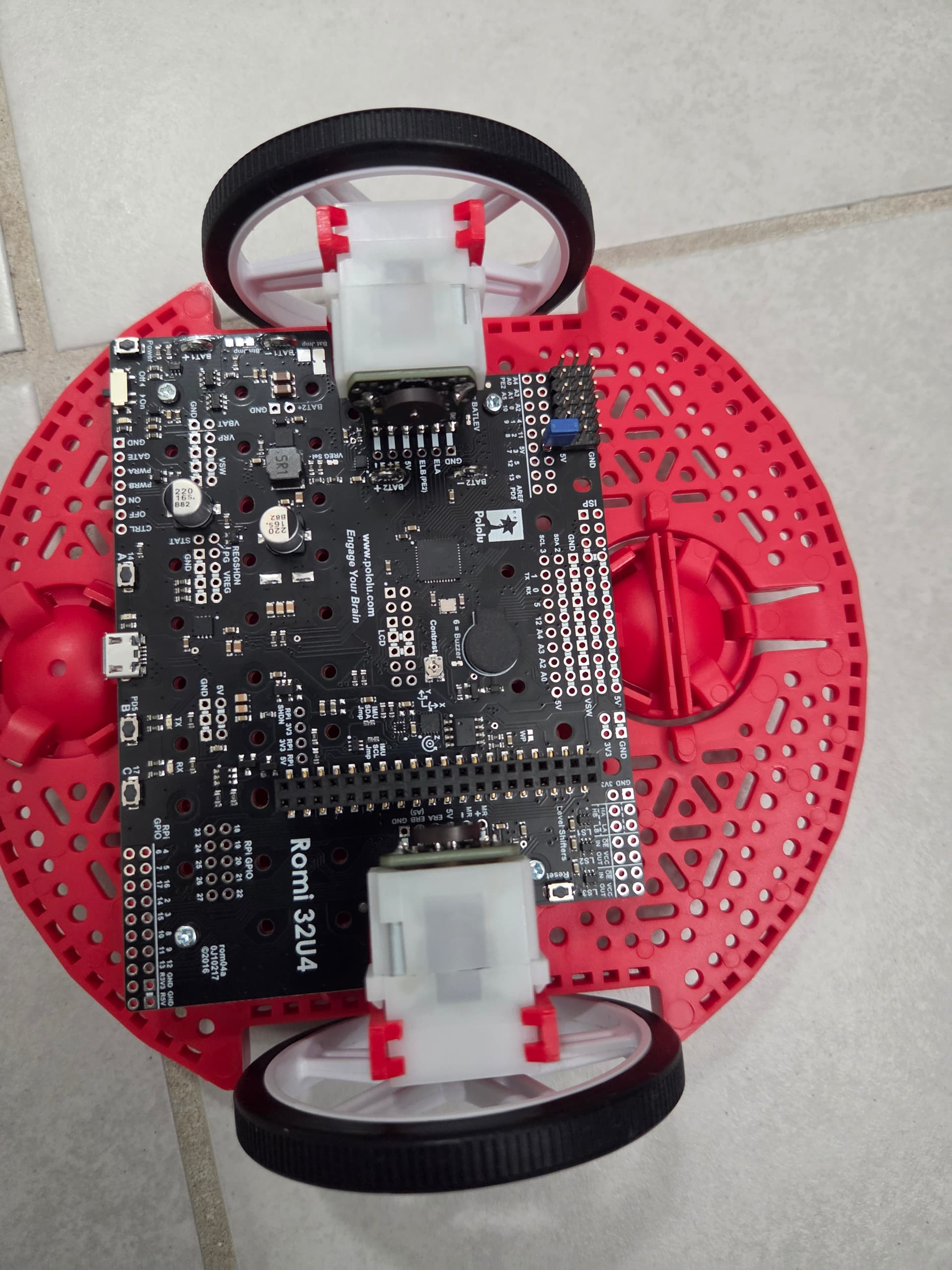
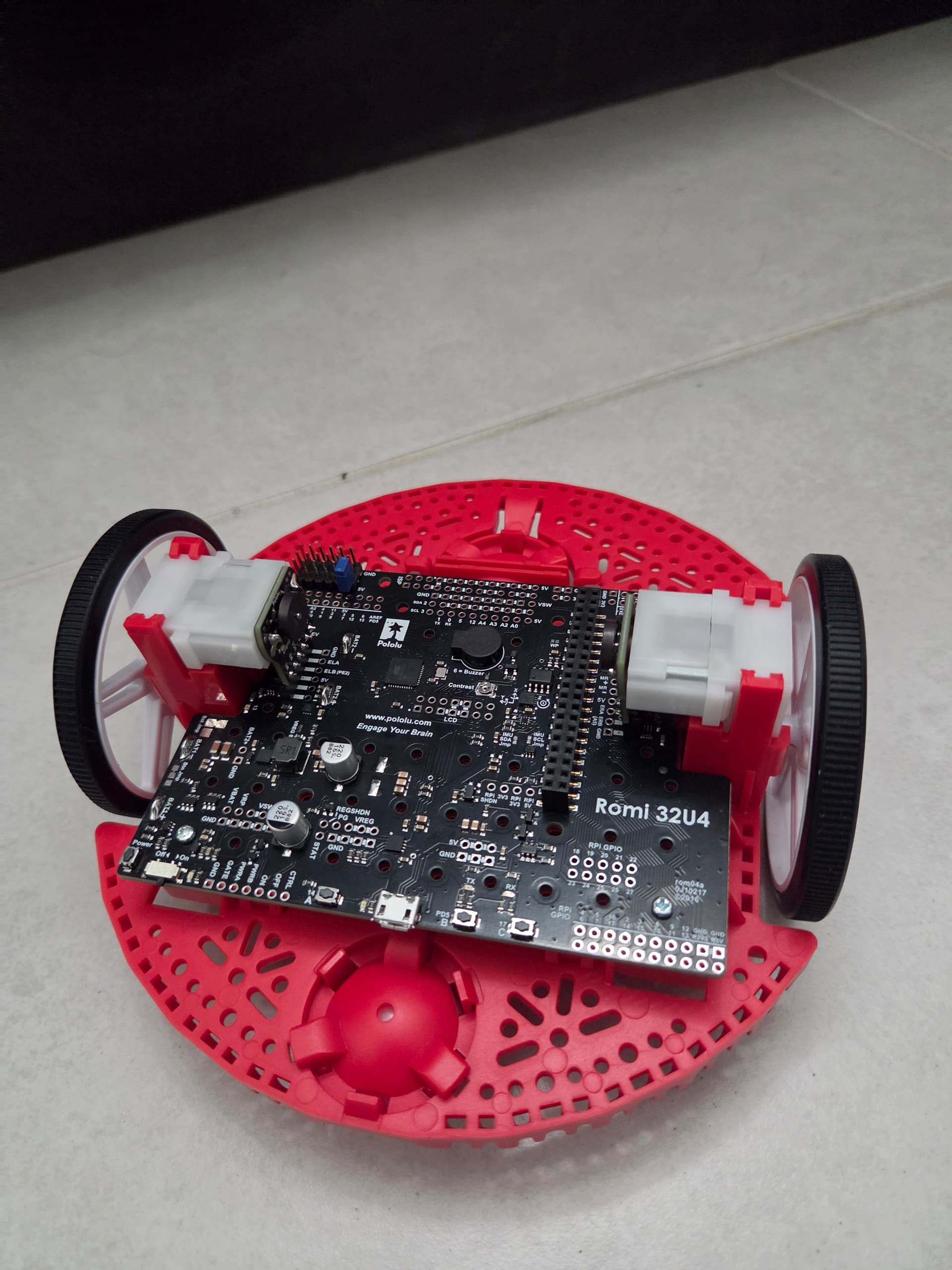
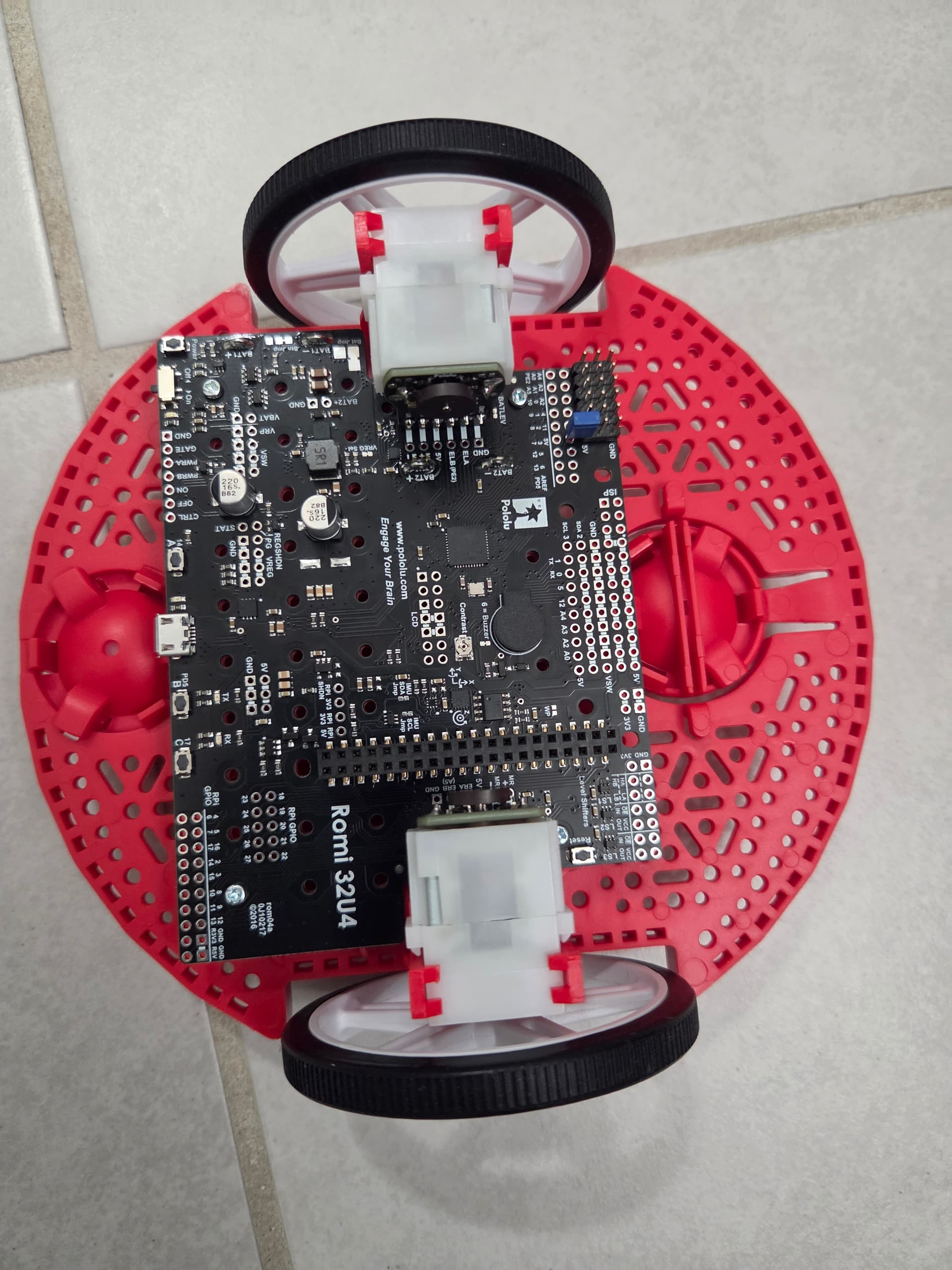
Hi. Still waiting on response to this. Deadline for my acience project is this Friday so i need to get this fixed or returned.
Thank you for the additional information. I do not see any obvious issues with your code and I do not see anything obviously wrong in your pictures, so it seems like one of the motor driver channels has been damaged somehow. We are sending you a free expedited replacement today, and I have sent you an email with more details about that.
Brandon