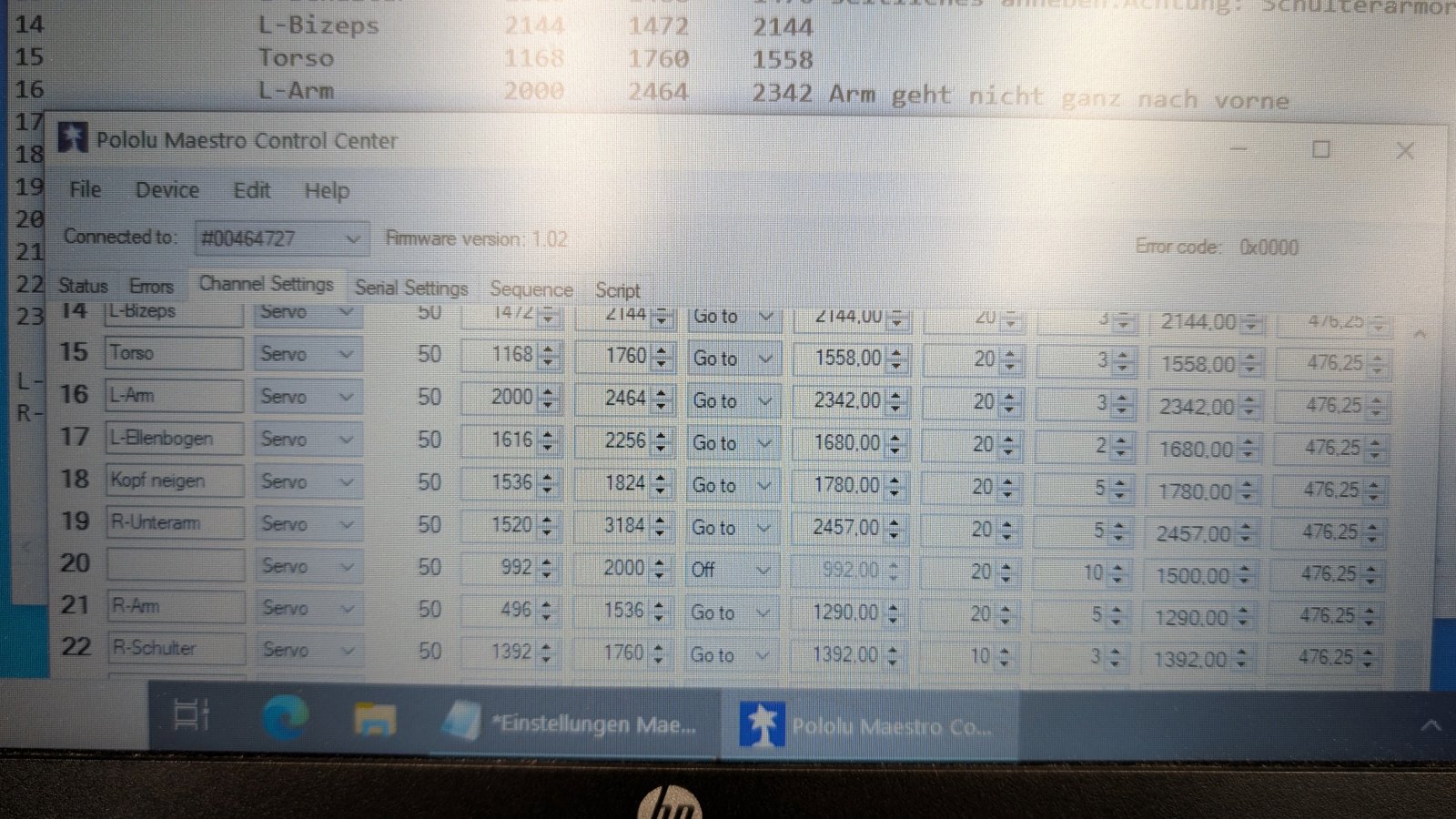
I ran into two annoying problems while programming.
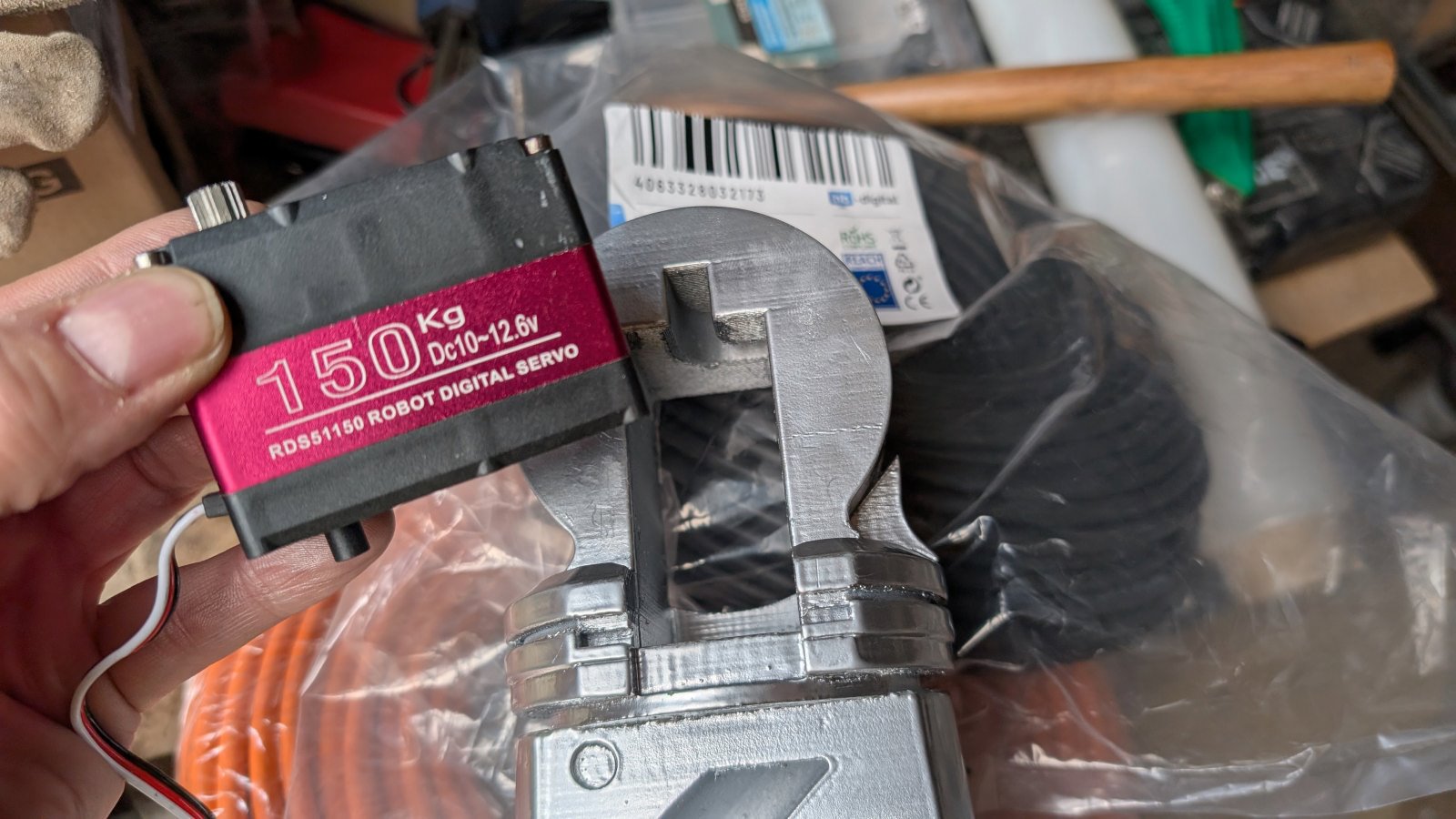
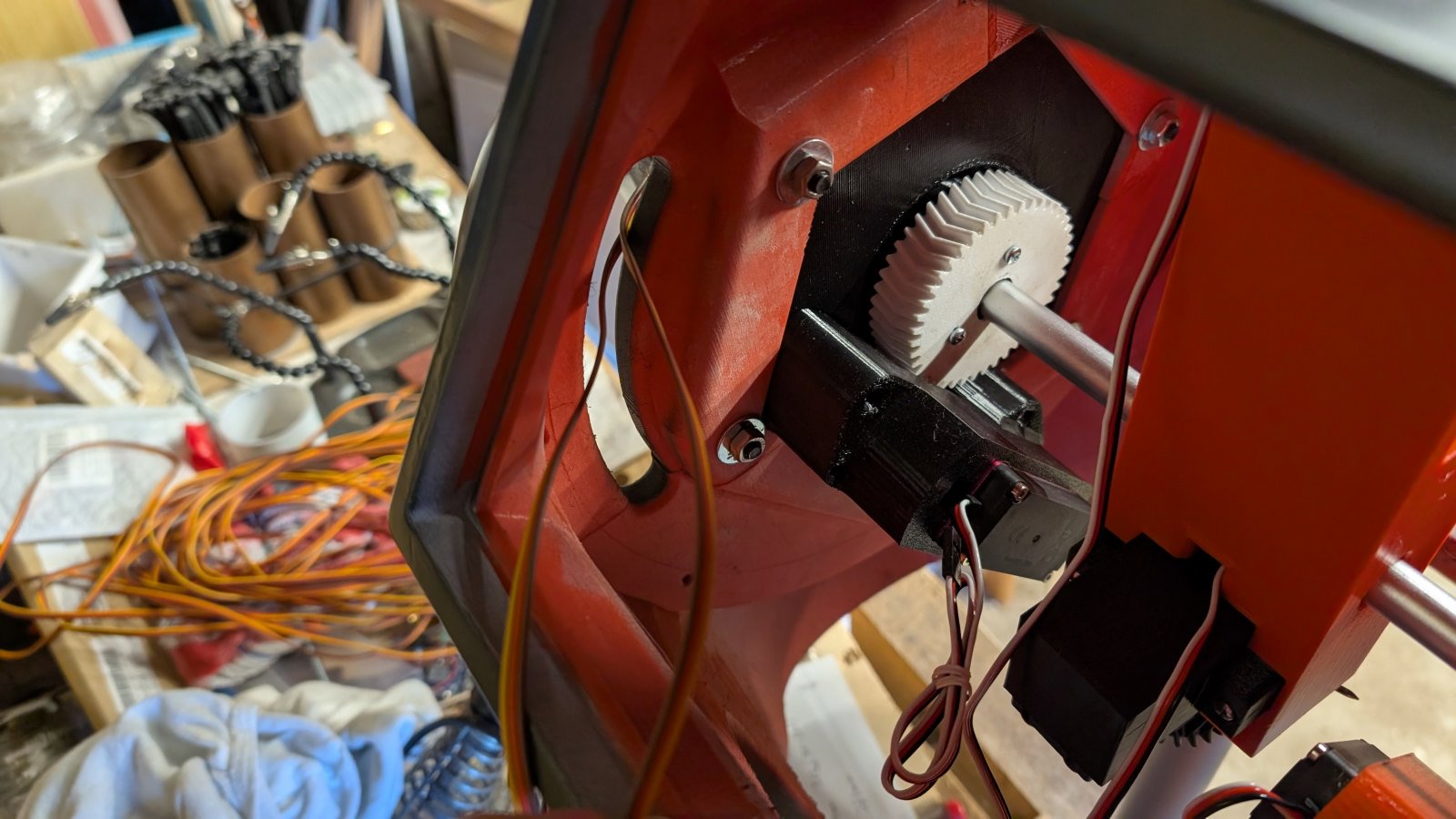
Two servos aren’t moving as far as I’d like. It’s not the Maestro; I have plenty of room. I’ve set the value to 3500, but it only goes up to 2850. The servos just won’t turn any further. In the other direction, they go extremely far, but that’s not where I want them to.
Should I have used a tester to set the servo to a specific position before installing it completely?
I’d considered that before, but I didn’t really take it seriously. Unlike the R2, where the small servos only manage 90°, these ones are great with 270°. But it seems like they were already set almost to their limit, leaving no room for adjustment. At least, that’s how it appears to me. Or is there something I can adjust via software?
And secondly: I’ve programmed some scripts on the Maestro24 and they’re working.
Is there a way to have the sequences play randomly at startup?
As it is, they play one after the other, and you see the first 10 sequences over and over again before there’s a new movement. I’d like it to play sequence 8, then 6, then maybe 11, and so on.
If you have plenty of extra rotation range in one direction and not enough in the other, it sounds like you probably just need to adjust the position of the servo horn on the servo spline.
The Maestro does not have a built-in method of playing random sequences in a loop. You could write a Maestro script that handles that, but unfortunately there is no built-in random number generator either. However, there are still some methods to produce the same affect, for example computing a pseudo-random number sequence, taking an analog reading of a noisy/floating input, or doing both.
Another option might be to use the “GET_MS” command creatively. For example, if you have your script start with a button push, you could use GET_MS to measure the amount of time the button was held down for, and use that as a type of seed for your program. Or call GET_MS periodically in your script and use it to determine which subroutine to call next (e.g. if it is even call subroutine A, if it is odd call subroutine B).
Damn, I had a feeling that would be the case because of the servo. Unfortunately, I can’t easily access it anymore. I’d have to take a lot of things apart again, which I honestly don’t feel like doing.
It’s a shame the Maestro doesn’t have a way to randomize the sequences. I activate the Maestro by simply plugging it in. So there’s no separate switch or button.
Is there a way to program it so that after each restart (i.e., when it’s been powered off and then plugged back in), it doesn’t start with the first sequence, but always with the third sequence from the previous day?
So, I activate it today, and it starts normally with sequence 1. The next day, I switch it on again, but now it starts with sequence 3.
And the day after that, it starts with sequence 6, and so on.
Unfortunately, the Maestro cannot save some kind of variable from a script through power cycles like you described (the non-volatile memory cannot be written to or read from using the scripting language). So, you won’t be able to have it remember what happened last power cycle by itself.
If you can tell me more about your setup, I might be able to help you create a pseudo-random number generator to add to your script. You mentioned just plugging the Maestro in to power it up; are you powering it from USB (with a separate servo power supply) or are you powering the Maestro and servos from a single supply? What are you using to supply your servo power? Also, which Maestro are you using, do you have any free Maestro channels, and how many sequences do you have?
I have a Maestro24 here. It receives 12V. Only the servo signal wires are connected to it. The servos receive their 12V separately.
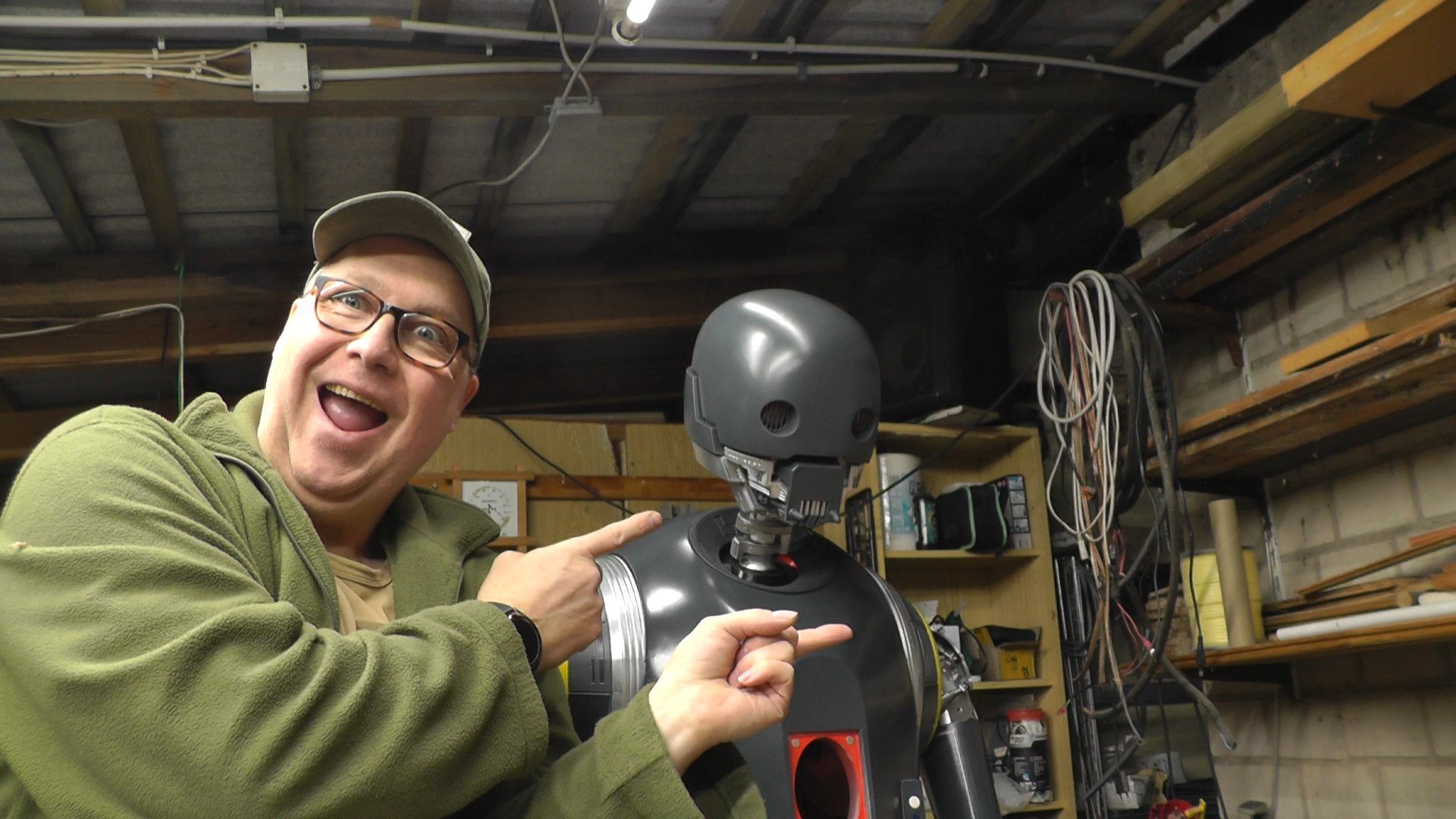
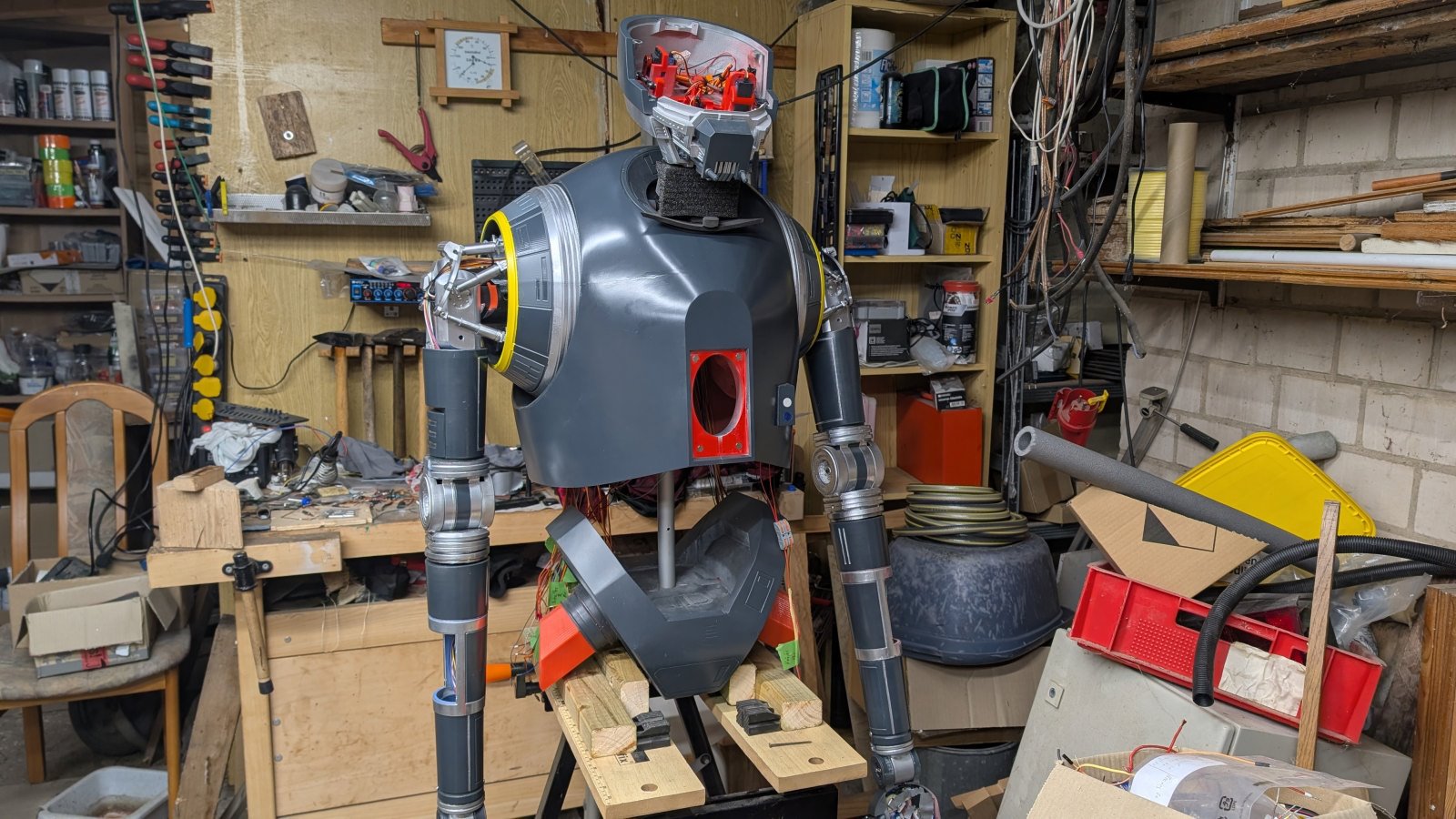
I activate everything by powering the entire droid (K2SO) via a transformer. The Maestro then begins its work. Currently, 12 sequences are stored. I might add more. In each sequence, the droid moves something different. Sometimes the right arm, sometimes the torso and head, then the left arm and fingers, and so on.
Oh yes, one more question. I entered the value 20 in the Speed column of the Maestro. Then I entered the position the servo should assume when an error occurs. However, I wanted this movement to be very slow. So that the position is assumed very slowly in case of an error. I thought this was done with the Acceleration field, which is why I entered a value of 10 or even 5 there. But that’s not the case. At least, the movement isn’t slow. Have I perhaps misunderstood how this column works?
As I mentioned before, one way to generate a pseudo-random number is to use an analog reading as a seed to an algorithm. Do you have any Maestro channels free to use for this purpose?
As far as your new question, the acceleration and speed values in the “Channel Settings” tab are the values that get applied on startup; they are not specifically for the “Go to” feature. Additionally, if you change those settings in your script (with the SPEED and ACCELERATION commands), all subsequent movements will follow the new values. Additionally, please note that the way the Maestro implements speed and acceleration is by breaking up the movement into many incremental changes to the servo’s position. So, the speed and acceleration values can only be applied if the Maestro is currently sending a signal to that servo. Speed and acceleration limits will not be applied to the first movement on startup or when enabling a previously disabled signal. If that does not answer your question, can you tell me more about how you are testing what happens during an error (i.e. are you intentionally triggering an error, and if so, how and what happens)?
As mentioned before, you can generate a pseudorandom number by using an analog measurement as the starting value for an algorithm. Do you have any Maestro channels you could use for this?
– My channels are all occupied. All 24 are connected.
If that doesn’t answer your question, could you please describe in more detail how you test what happens in case of a fault (i.e., do you intentionally trigger a fault, and if so, how and what happens then)?
– Well, I move one arm forward and then simulate a power outage (because someone flipped the switch). Then I wait a bit and switch it back on. At that moment, the arm is moved into its position. Unfortunately, this happens very abruptly and quickly, which isn’t ideal for such a massive component. Therefore, I’m looking for a way to make it happen slowly and smoothly.
Getting a seemingly random number without a free Maestro channel is going to be pretty tricky. If you are okay with a little bit of movement in one of the servos when the system first starts up, and you are using speed and acceleration limiting, I was able to get 2 or 3 variations using the Maestro’s position algorithm to generate a seed. For example, something like this (which you might be able to repeat multiple times to get more effective bits of randomness):
sub get_seed
  10 delay
  0 get_position #store the starting position of servo 0
  6000 0 servo #start moving using the configured speed and acceleration limits
  40 delay  #wait a short time
  0 get_position #read an intermediate position before it reaches its target and use that as a seed
  4 left_shift
  swap 0 servo #restore to starting position
return
If you start your script by calling that, it will leave the seed on the bottom of the stack. Then you could have a “rand” subroutine that uses that value to generate a pseudo-random number. So, as an example, the layout of your script could look something like this:
get_seed #gets a seed value and leaves it on the bottom of the stack

begin

  rand #generates a "random" value and replaces the seed value on the bottom of the stack with the new number
  12 mod #limits the output of the "random" number generated to between 0-11

  #choose which sequence to run based on generated number
  dup 0  equals if sequence_0 endif #replace "sequence_0" with one of your sequence subroutines and so on
  dup 1  equals if sequence_1 endif
  dup 2  equals if sequence_2 endif
  dup 3  equals if sequence_3 endif
  dup 4  equals if sequence_4 endif
  dup 5  equals if sequence_5 endif
  dup 6  equals if sequence_6 endif
  dup 7  equals if sequence_7 endif
  dup 8  equals if sequence_8 endif
  dup 9  equals if sequence_9 endif
  dup 10 equals if sequence_10 endif
      11 equals if sequence_11 endif

  1000 delay #delay between sequences

repeat

sub get_seed
  10 delay
  0 get_position #store the starting position of servo 0
  6000 0 servo #start moving using the configured speed and acceleration limits
  40 delay  #wait a short time
  0 get_position #read an intermediate position before it reaches its target and use that as a seed
  swap 0 servo #restore to starting position
return

sub rand
  0 peek	# get seed stored on bottom of stack
  109 times
  1021 plus
  32767 mod
  dup 7 bitwise_and if     # 1 in 8 chance
    get_ms bitwise_xor endif
  dup 0 less_than if negate endif #if it is negative, make it positive
  dup  0 poke # store new seed back at bottom
return

############ Your sequence subroutines go under here ##################
Unfortunately, as I mentioned in my previous post, the Maestro cannot apply any speed or acceleration limiting when it first boots up (i.e. after a power failure) since it will not have any memory of where the servos were. This is a limitation of the way standard RC servos work since they do not make their internal position feedback available. Using [special servos that break-out their feedback signal][0] could help, but that would increase the complexity quite a bit and each feedback signal would require an additional Maestro channel (or a separate microcontroller to handle that).