Hi there!
I have been reading through the maestro manual and trolling the forum for andvice and can’t find quite what I’m looking for. I may be blind though! I understand that the pwm signal from an rc reciever can’t really be read and implemented in the maestro as an input signal. So I am reading my rc signal via an esp 32 and decoding the pwm values to send back to the maestro over serial.
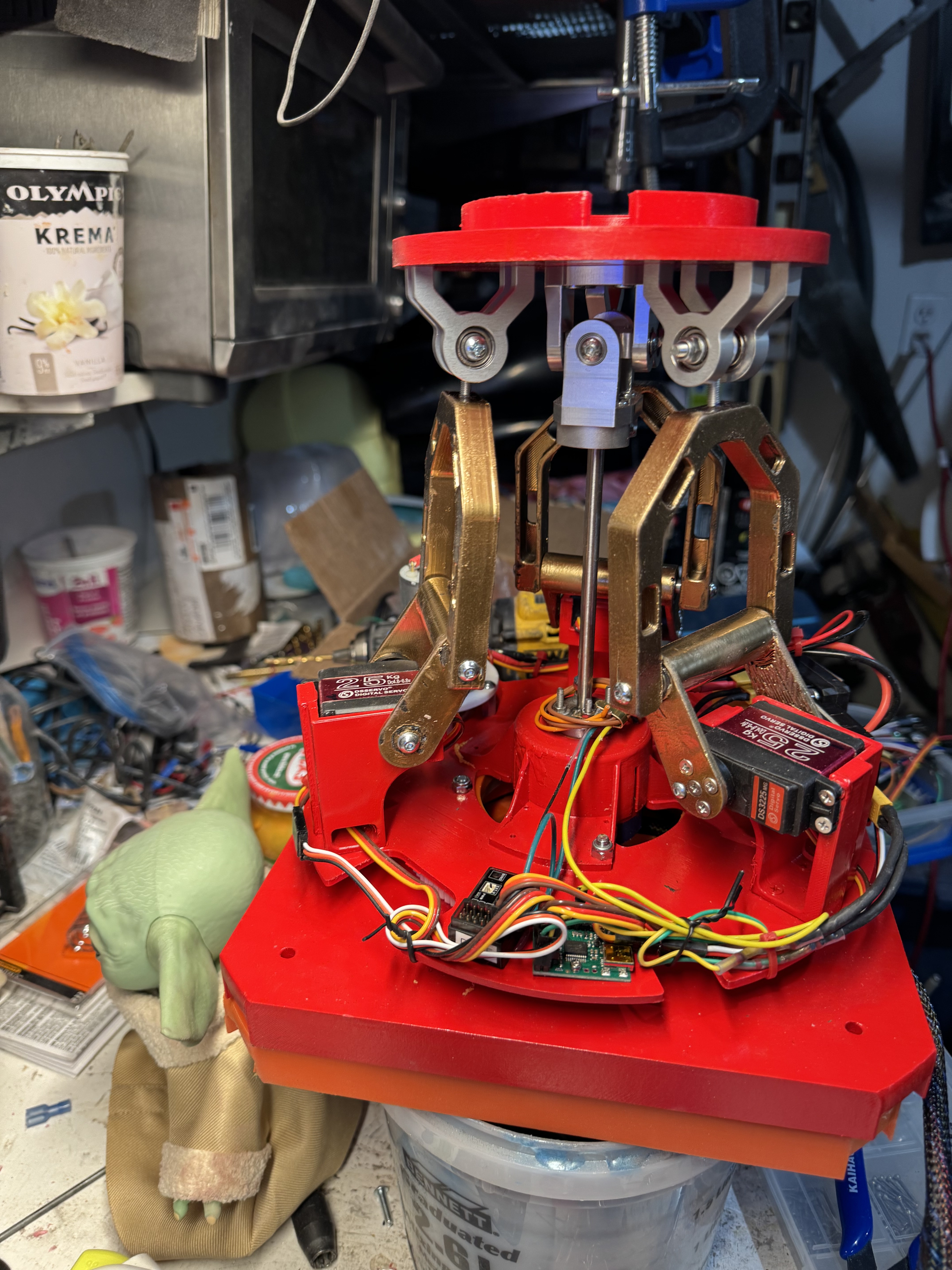
My rc has an x axis joystick that produces a pulse width of 1500 at neutral stick, 2000 at full forward and 1000 at full reverse. It obviously increments out that point. My maestro setup has 3 servos I would like to control with the rc. I see how you can code position data for each of the servos. What I am looking at doing is:
-read the incoming signal from the rc
-convert that signal into incremental speed changes of the servo depending on stick signal (closer to 2000 being faster)
-stop servo movement where it currently is if you return to neutral(1500) stick
So in this case I care about position but really care about the speed and the stick controlling more velocity. My servos still have a neutral start point (2000) and a full end point (800). And when signal is lost I have the servos returning to the 2000 neutral position slowly.
Anywhere I can read up on this kind of rc setup or is there example code somewhere?
Probably the way I would try going about setting up the system you described is having your ESP32 track the current position and update the position based on the joystick’s distance from the center. To have the servos move quicker as the joystick is tilted further, you could either change the rate that you are updating the position or the amount that you’re changing it by.
So, for example, some basic pseudocode for changing the amount you are updating it by might look like this:
//choose a value for maximum change in position
#define MAX_POS_CHANGE 100

//adjust RC input to be centered around 0
adjusted RC input = RC input - 1500

//base the update amount on the adjusted rc input and scale it appropriately
update amount = map(adjusted RC input, -500, 500, -MAX_POS_CHANGE, MAX_POS_CHANGE)

maestro.setTarget(0, current position + update amount)
delay(10)
Using your input to adjust the update frequency might look something like this:
//choose a value for minimum and maximum delay time
#define MIN_DELAY 5
#define MAX_DELAY 100

//choose the change in target position per update
#define POS_UPDATE 4

#adjust RC input so it doesn't matter which direction it is pressed
adjusted RC input = abs(RC input - 1500)

//base the update amount on the adjusted rc input and scale it appropriately
delay time = map(adjusted RC input, 0, 500, MAX_DELAY, MIN_DELAY)

//update the servo position  - you probably still want some logic for determining which direction to move the servos
maestro.setTarget(0, current position ± POS_UPDATE)

//delay for the calculated delay time
delay( delay time  )
Brandon